01
Every deal is an order
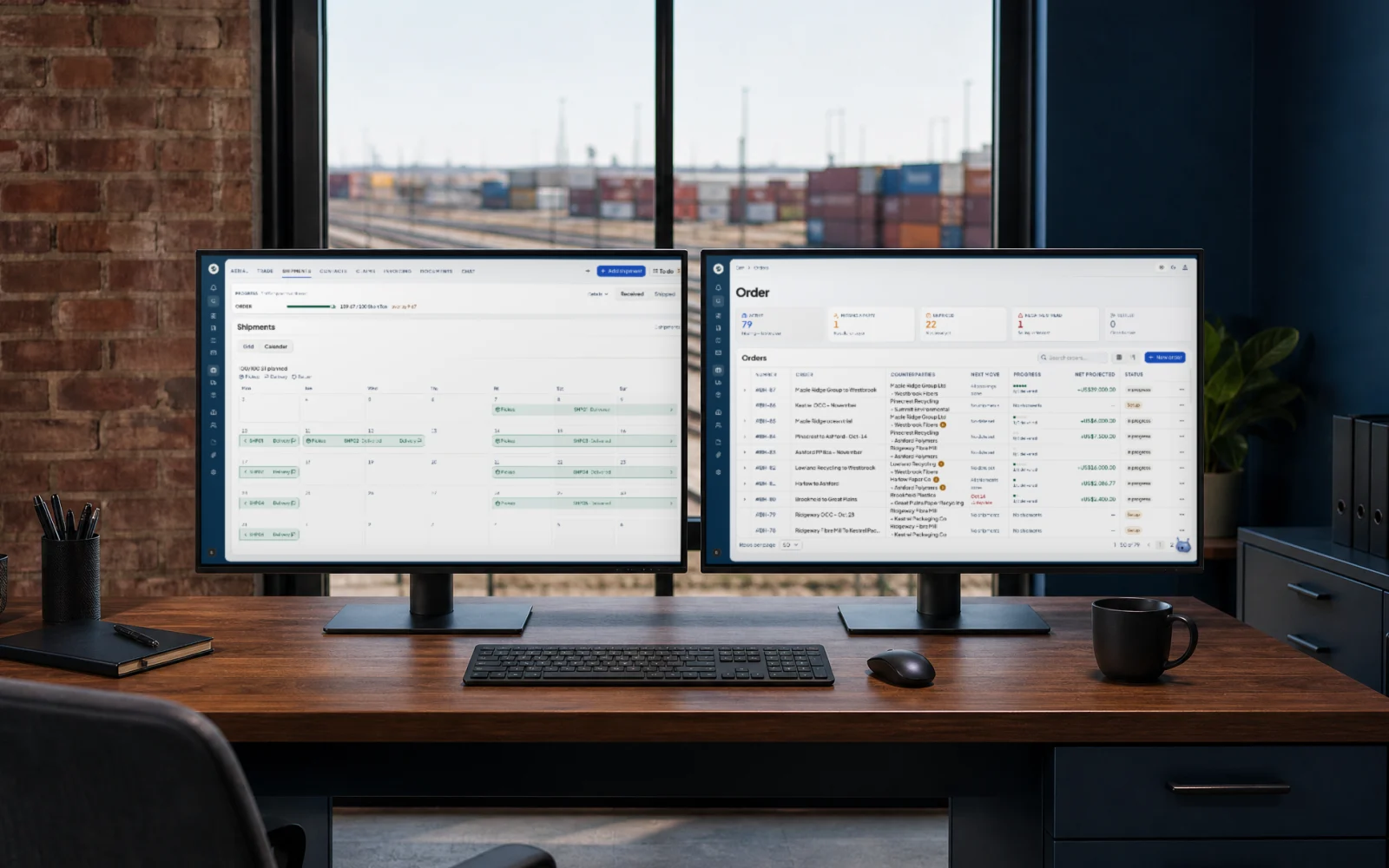
One list with the stage on each deal. Open an order and the buy side, sell side, material, quantity and status are on one page, with shipments, documents and claims behind it.
Here is what changes when every load has one record.
A supplier asks for a pickup window on Tuesday. Nobody answers. The load goes to someone else.
Open questions land on a to-do list, with a reply drafted for you to check and send.
The grade changes in a phone call. The order still says the old one.
Every change is logged on the order, so you can see what changed and when.
The truck is at the border. The form you need is still in someone’s inbox.
The order shows which document is missing before the truck leaves.
Your accountant asks for the deal records. You rebuild them from email and a spreadsheet.
Each load has one record from the first quote to payment: price, weights and papers.
You can only run as many deals as you can keep in your head.
Every order and where it stands is on one list. More loads don’t mean more to remember.
Six parts of the platform. The screens show sample data.
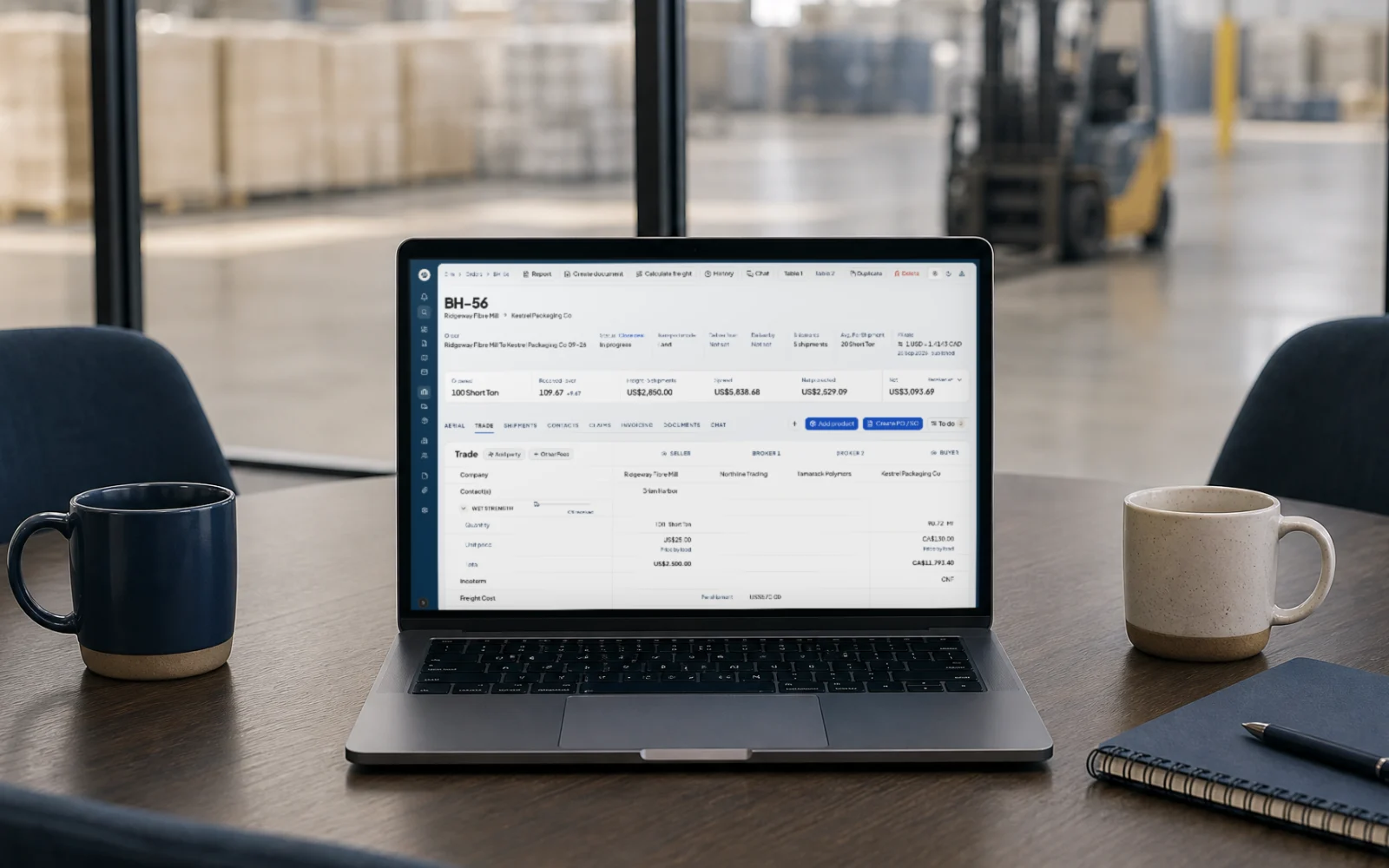
Orders are the hub. Buy side, sell side, spread and net sit on one record, so you see the deal before you commit to it.
One list with the stage on each deal. Open an order and the buy side, sell side, material, quantity and status are on one page, with shipments, documents and claims behind it.
Seller, brokers and buyer side by side on one order, with quantity, price and freight for each. You see the spread and net before you agree to the price.
Reports built from the orders you already run. Filter by period and export.
Land and ocean on the same order, from the first pickup window to the last weight.
Every truck on the order on one board, sorted by status: booked, in transit, delayed or delivered. Next up lists what to do.
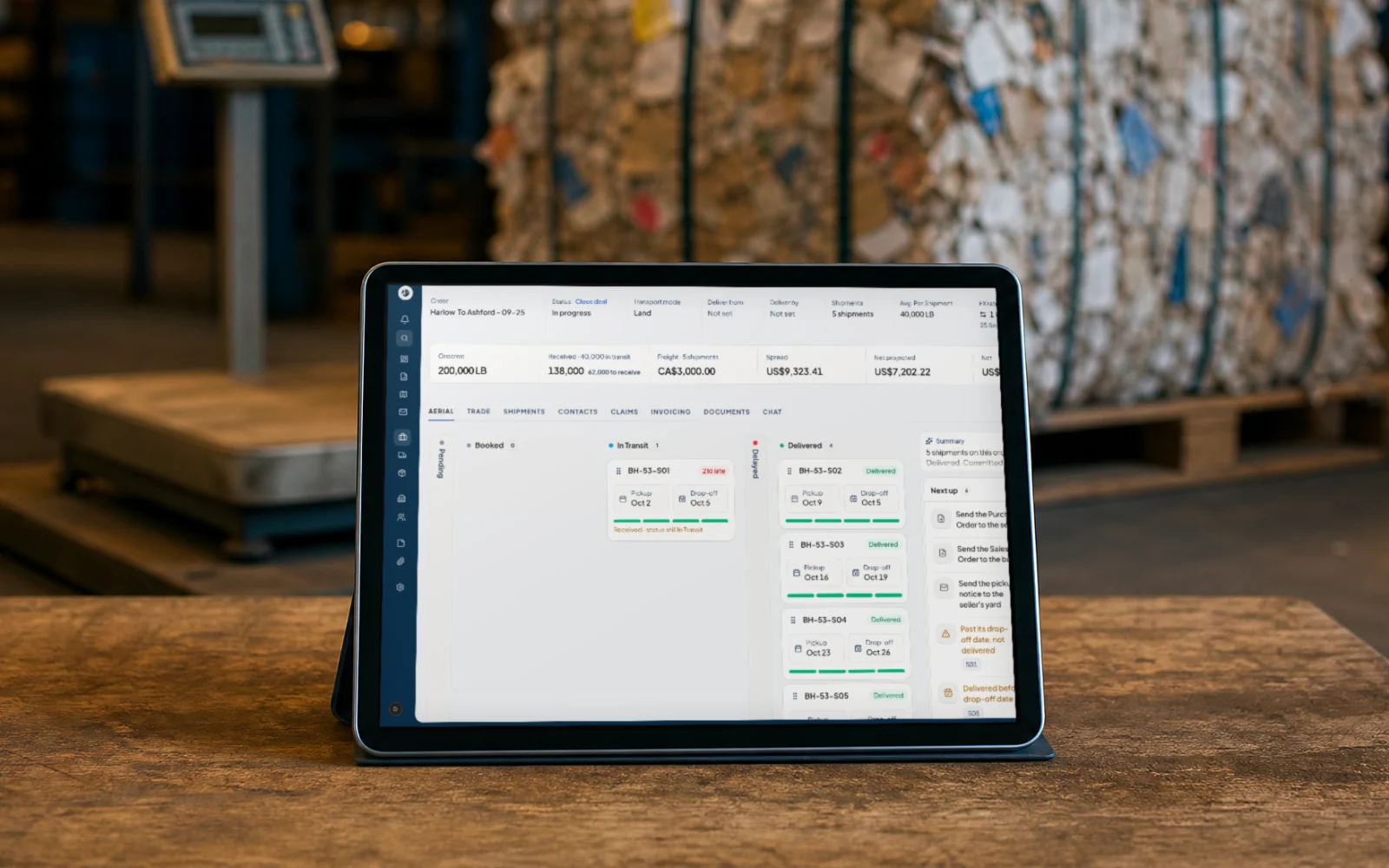
A calendar of every truck on the order, from pickup to delivery, with its status.
Booking number, carrier, loading and sailing dates and the container list, all on the order.
Shipped and received weight on each truck. When the received weight comes in short, the order flags it while you can still argue it.
Documents come from the order, so nothing is retyped between the deal and the file.
Bills of lading, packing lists and invoices fill in from the order. On a blind deal, each side’s copy hides the other party.
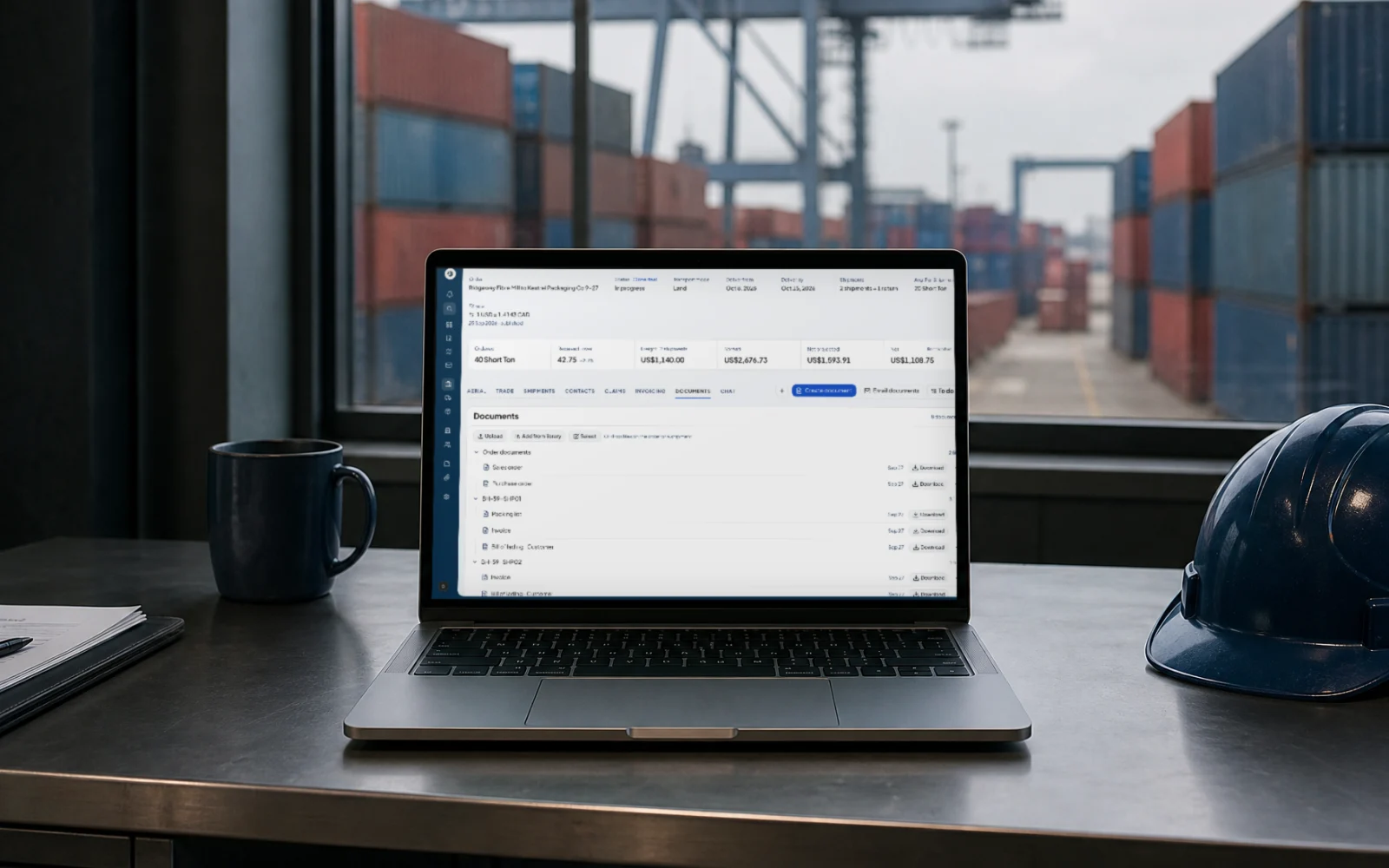
Sales and purchase orders, packing lists, invoices and bills of lading sit on the order, grouped by truck.
Pick the tariff code from a searched list, with the description beside it, so customs paperwork starts correct.
When weights or quality come in short, the claim and the money stay on the same order.
Open a claim on the truck and say who absorbs each part. The claim shows what the seller owes you and what it does to your net.
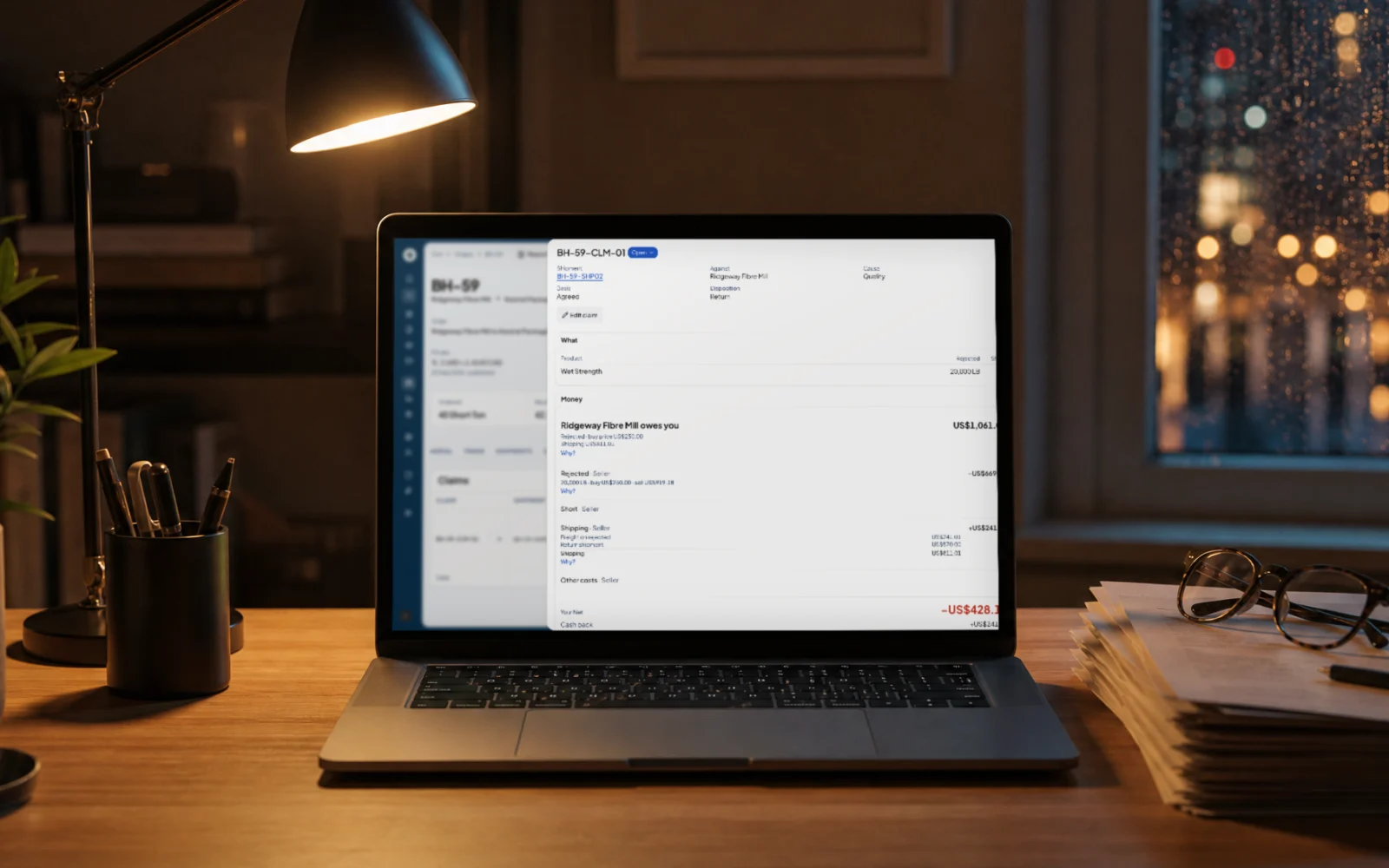
The statement lines up contracted, shipped and received weight and settles on what arrived.
Set the split per order and see each party’s share of the net.
She reads, drafts and fills in. You approve every change.
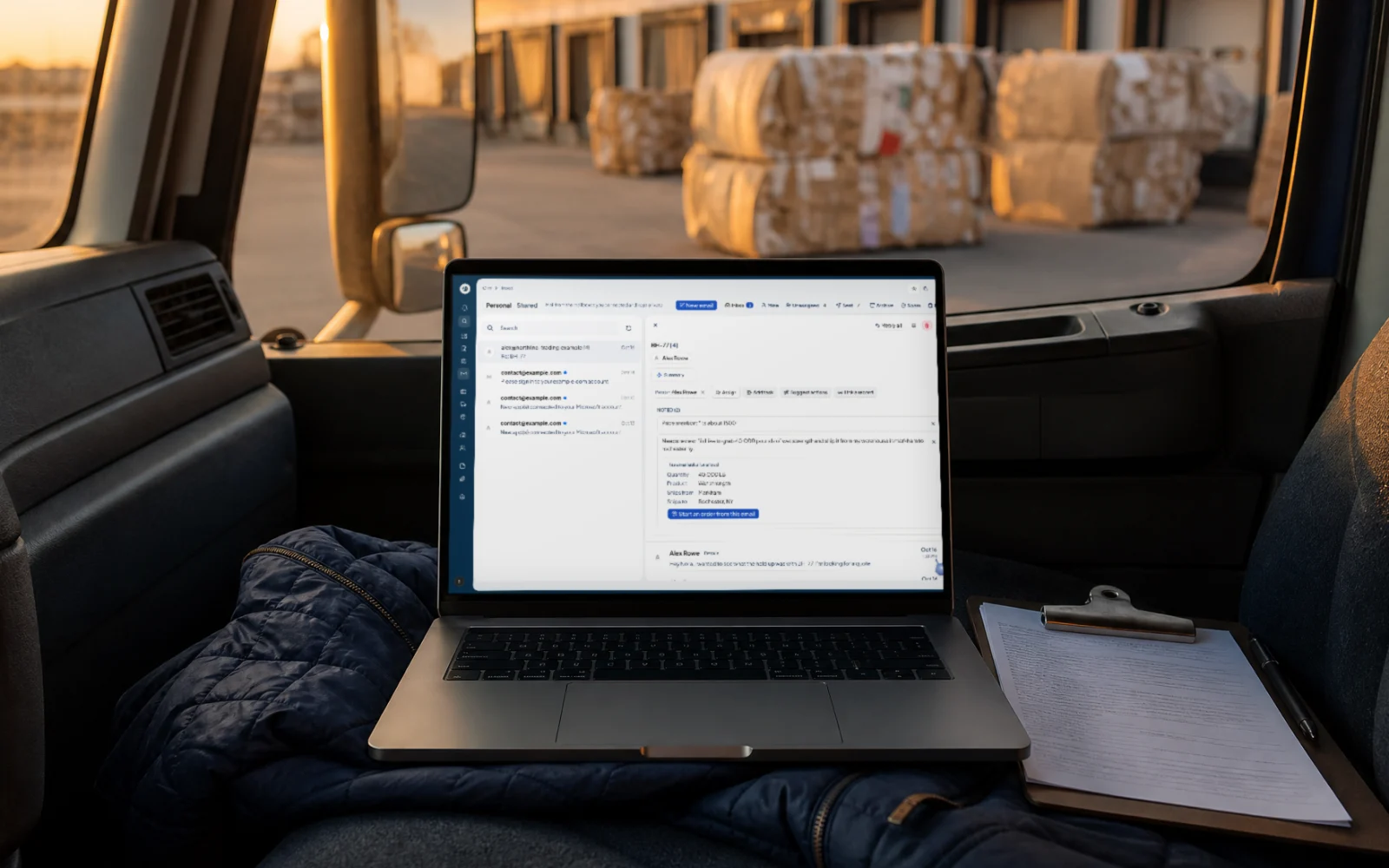
Nora reads incoming email. When a customer asks for a load, she pulls out the quantity, product and lanes, and you can start the order from the email.
Ask how an order is doing and Nora answers beside it with the spread, net and shipments.
Nora drafts the reply from the order. You edit it, approve it, and only then does it send.
Message Nora on WhatsApp from your own phone. She finds the order, answers, and changes it only after you say yes in the chat. Only the account owner can message her.
Set up who does what, and keep a record of everything that happened.
Invite your people. Owners look after billing and settings; everyone else runs the deals.
Counterparties and materials, with terms, locations, HS codes and the orders each one is on.
Every change is logged on the order, with who made it and when, including the ones Nora proposed and you approved.
Recycled paper and plastics first. Each order carries its grade and spec, priced in pounds or short tons.